How AI inbox and enquiry triage works in a small business
Chris Tian ·
An AI triage workflow reads each new email or web enquiry, works out what it is and who should handle it, and drafts a first reply. A person checks the draft and sends it. Nothing goes to a customer without that approval. For a small business it is usually the first AI workflow worth building, because every enquiry follows the same few paths and the team already knows the rules.
What the workflow does, step by step
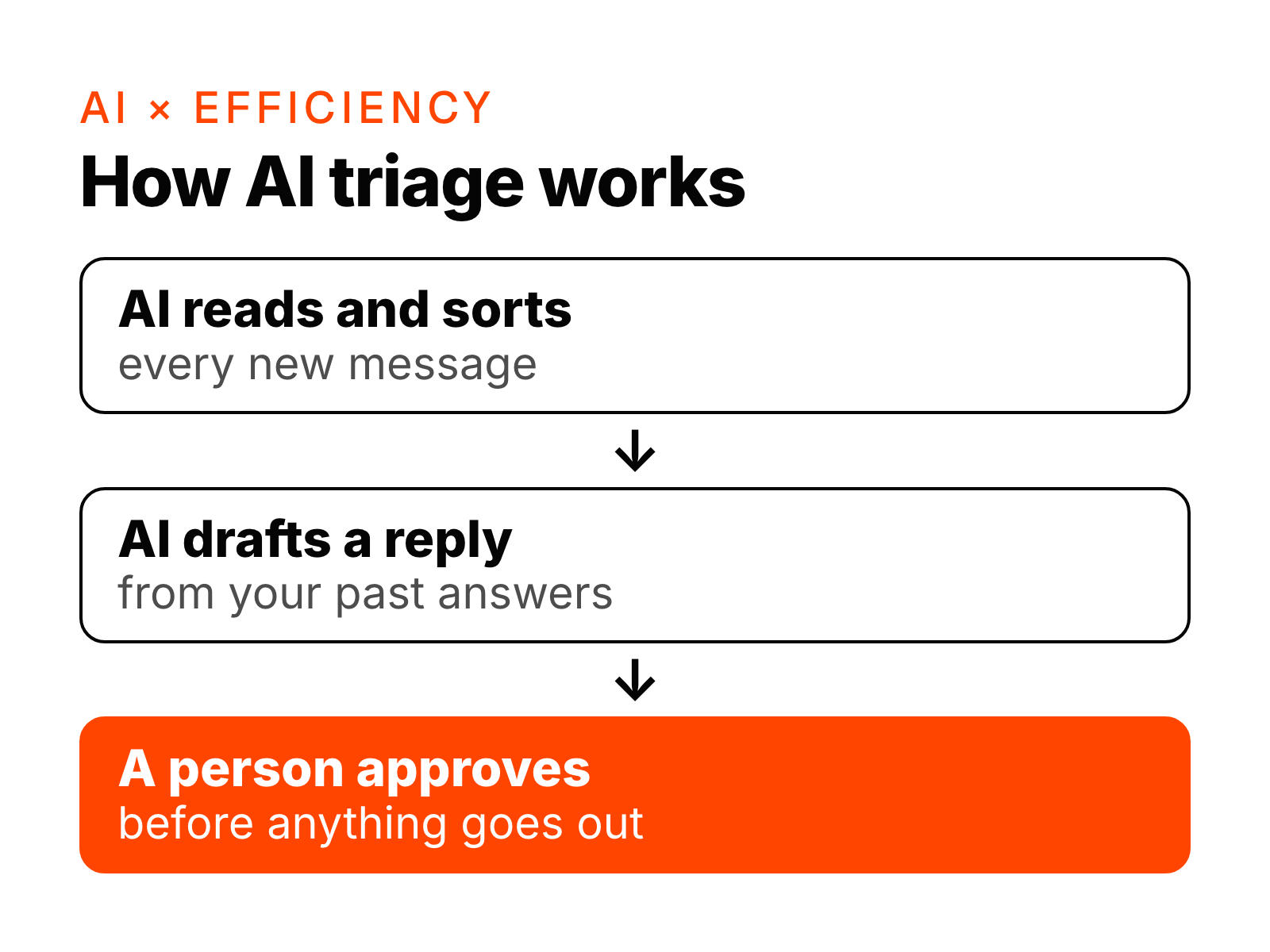
- Reads every new message in the shared inbox and the website form, as soon as it arrives.
- Sorts it into the categories your team already uses, for example new enquiry, existing client, supplier, invoice, complaint or spam.
- Pulls the facts out: name, contact details, what they want, any dates or amounts, and the client record if one exists.
- Routes it to the right person or queue, with a one-line summary.
- Drafts a reply from your own templates and past answers, in your tone.
- Waits for a person to approve, edit or reject the draft. Only then does it send.
- Logs it in the CRM or job system, so nothing depends on someone remembering.
What a person still does
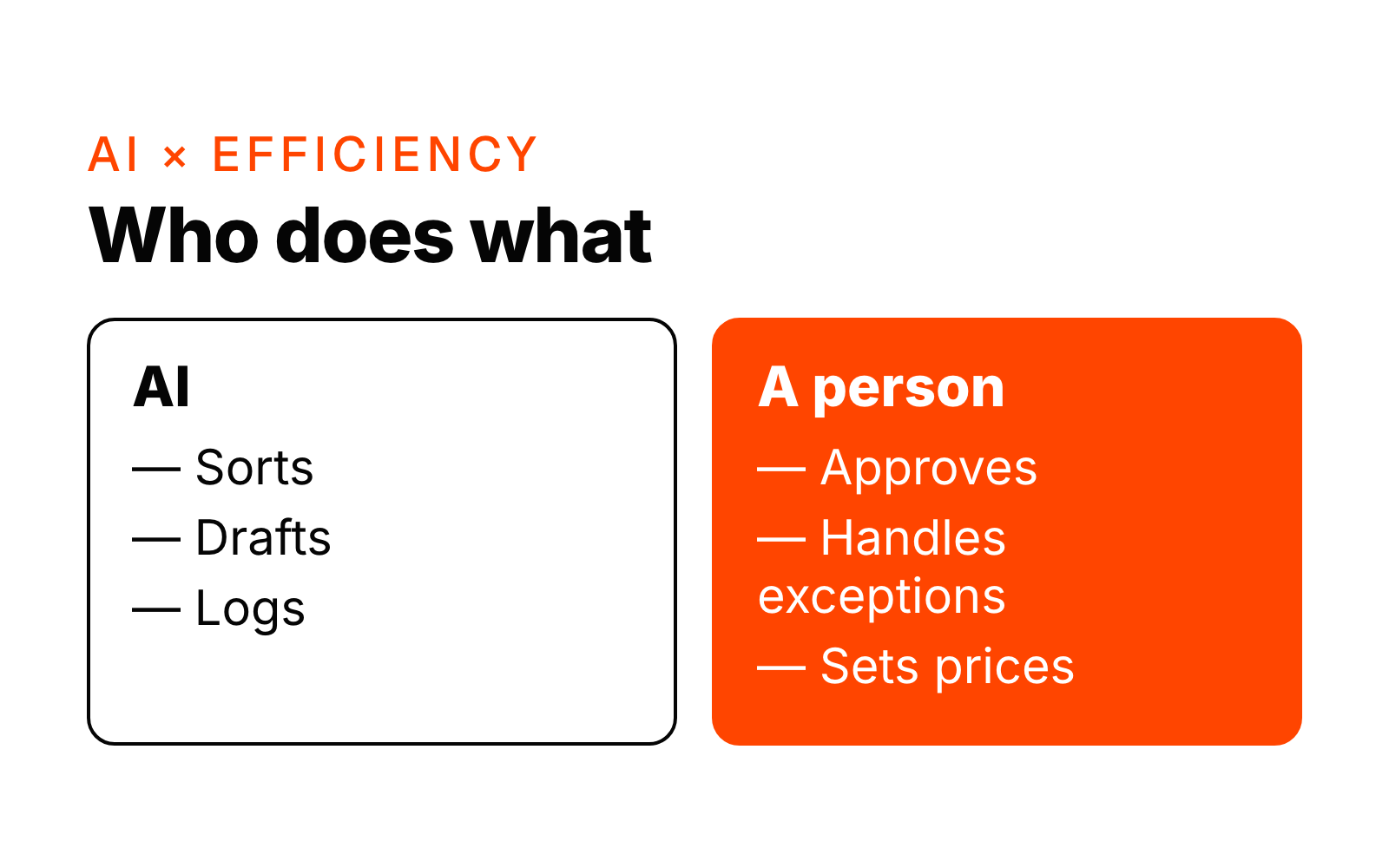
A person approves anything that goes out, handles anything the workflow flags as unclear, and makes every judgement call: pricing, exceptions, complaints. The workflow does the reading, sorting and first draft.
Which tools it runs in
It runs inside the tools you already use. That usually means Microsoft 365 or Google Workspace for email, your website form, and your CRM or job system. We don't ask you to move to a new platform.
How long it takes to build
Typically 2 to 4 weeks from the start of the build. The first week is spent with the people who answer enquiries today, listing the categories, the rules and the replies they repeat. The build happens in the tools you already use, and we test it on real messages with the approval step on.
When it is a good fit
- Your team answers the same kinds of enquiries every week.
- You can explain who handles what in a few sentences.
- Slow replies or missed enquiries are costing you work.
When it isn't worth it yet
- You get only a handful of enquiries a week, and one person handles them easily.
- Every enquiry needs a custom answer that only the owner can give.
- Nobody on the team agrees on the rules yet. Agree them first; the workflow will follow.
What to measure
At launch we give you an estimate of the hours saved per week, based on the volume of messages and the time each one took before. After that, watch three things: time to first reply, enquiries that went unanswered, and how often the team edits the AI's draft before sending.
Next step
If you'd like to see whether triage is the right first workflow for your business, book a free 20-minute call. See also AI × Efficiency.
Want to know where AI fits in your business? Ask Jarvis or book a free 20-minute intro call.