How AI invoice and form data entry works with Xero
Chris Tian ·
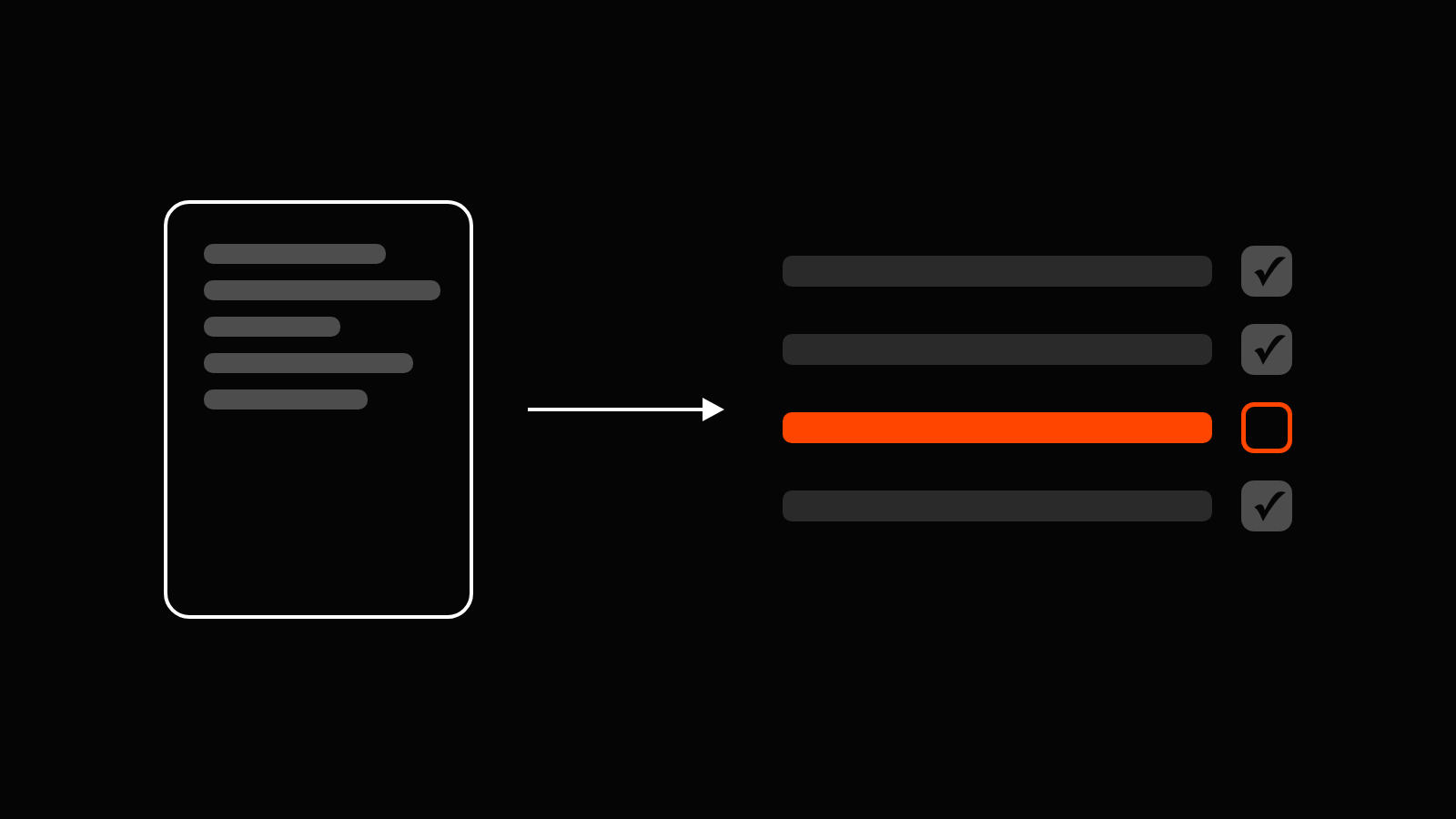
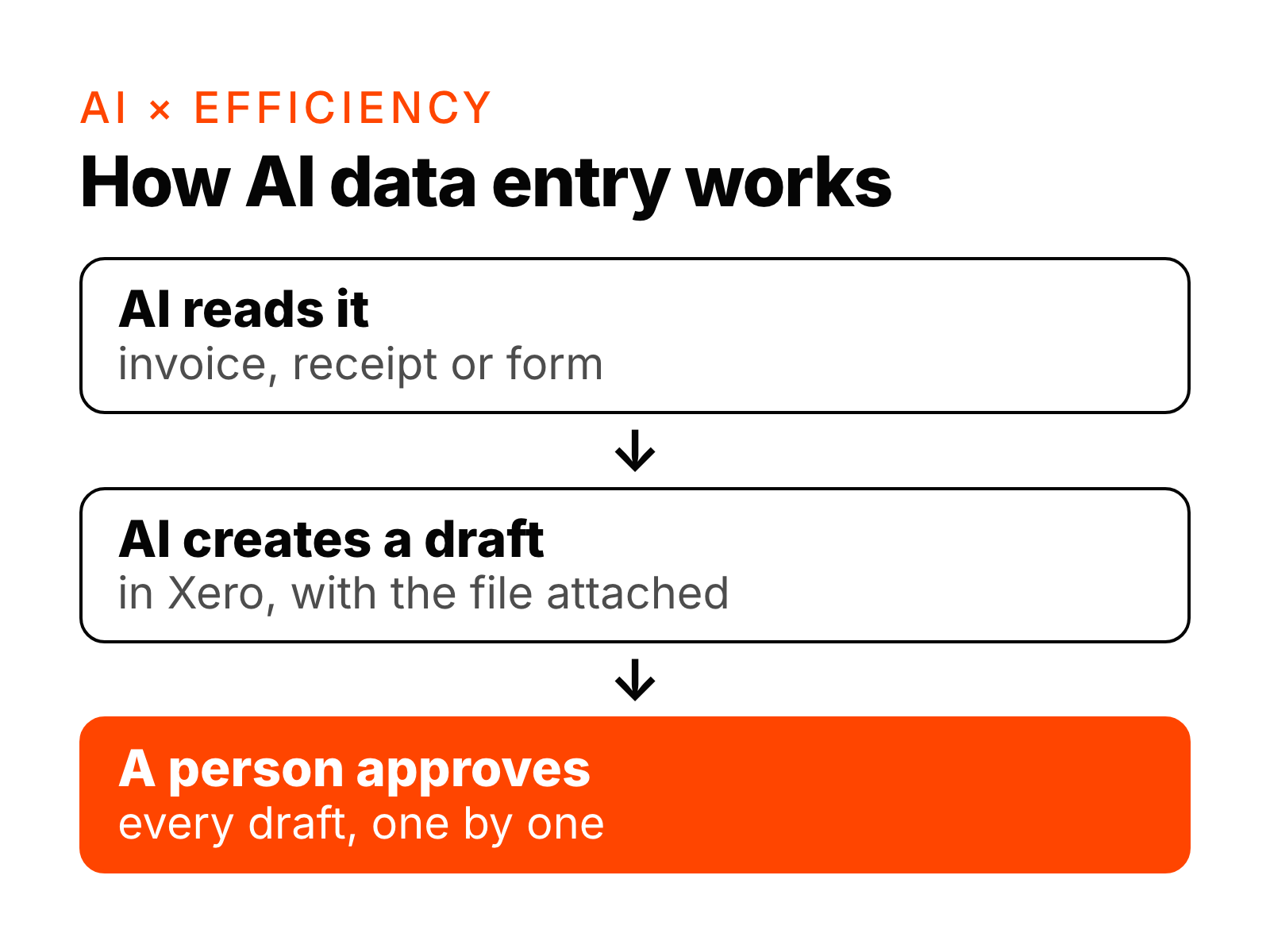
An AI data-entry workflow reads each new invoice, receipt or form, checks it, and creates a draft in Xero with the original file attached. It never approves or pays anything. A person reviews every draft and approves it, one by one, before it counts in your books. It suits businesses that key in the same kinds of documents every week, such as supplier bills, expense receipts and order forms.
What the workflow does, step by step
- Collects each new document from where it arrives: a bills inbox, a scanned paper invoice, or a form your team or customers fill in.
- Reads the details: supplier, ABN, date, invoice number, line items, totals and GST.
- Checks before it enters anything. It flags an invoice number it has seen before, a supplier that isn't in Xero yet, GST that doesn't add up, or a missing ABN.
- Suggests the account code from how you coded the same supplier last time.
- Creates a draft in Xero with the original file attached, so the person approving it can compare the two.
- Waits for a person to check and approve each draft. Only approved bills go on to payment, and a person handles the payment too.
- Keeps a log of what it entered and what it flagged, so nobody has to remember what came in this week.
Forms work the same way. An expense claim or an order form becomes a draft record for a person to check.
What the AI can and can't do in Xero
We set up its access so it can only create drafts. That one rule keeps the risk low:
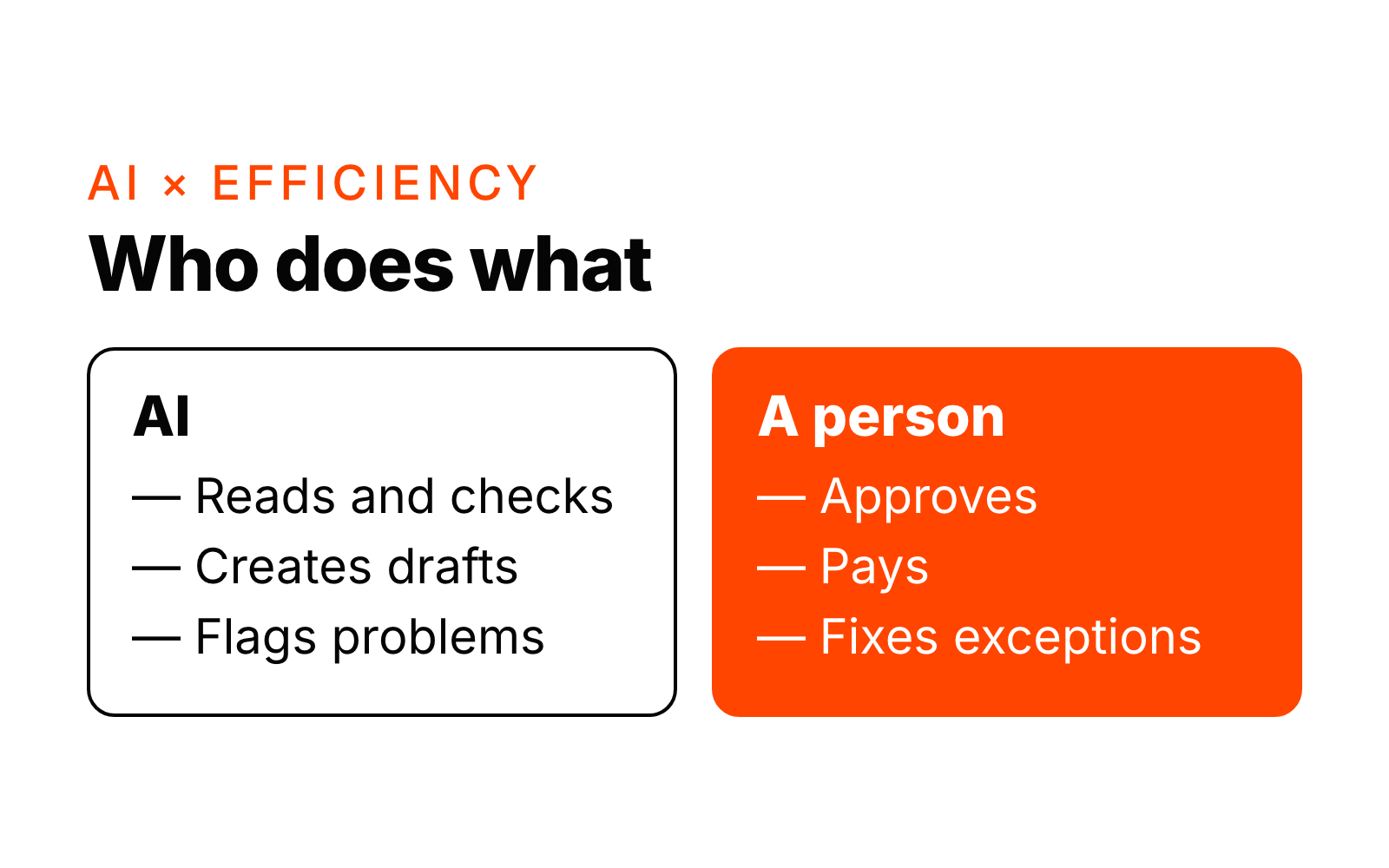
- It can: read the documents you send it, create draft bills and records, attach the source file, and suggest an account code.
- It can't: approve a bill, make a payment, change a supplier's bank details, or touch your bank accounts.
If the AI gets something wrong, the worst case is a draft with a mistake in it, which a person sees before it counts.
And reconciliation?
Xero already suggests matches for many bank lines. The workflow helps with the ones it can't match: it finds the likely bill or invoice and leaves a note for a person, who confirms the match in Xero. The person still clicks the button.
What a person still does
A person approves every draft, decides anything the workflow flags, and handles payments and supplier questions. The workflow does the reading, checking, drafting and logging.
Which tools it runs in
It runs with the tools you already use: Xero for the books (MYOB works the same way), Microsoft 365 or Google Workspace for the bills inbox, and your shared folders for scans and forms. Your documents stay in the systems you have already approved. We don't ask you to move to a new platform.
How long it takes to build
Typically 2 to 4 weeks from the start of the build. The first week is spent with the people who do the data entry today, going through real invoices and forms, the account codes they use and the cases they always check by hand. We then build in your own tools and run it on real documents with every draft going to a person, before it takes over the daily load.
When it is a good fit
- Your team keys in the same kinds of invoices or forms every week.
- Most suppliers send bills by email, as PDFs.
- Someone already checks bills before they are paid, so the approval step isn't new.
When it isn't worth it yet
- You get only a handful of bills a month, and one person enters them in minutes.
- Most documents are handwritten or arrive in a different format every time.
- Nobody owns the coding rules yet. Agree how each supplier is coded first; the workflow follows it.
What to measure
At launch we give you an estimate of the hours saved per week, based on how many documents come in and how long each one took before. After that, watch three things: time from a bill arriving to a draft in Xero, how many drafts are approved without edits, and how many problems the checks catch, such as duplicates and missing ABNs.
Next step
Data entry is one of the seven kinds of admin work in the AI hours check. It takes about 2 minutes and shows which kind takes the most hours in your team. See also how AI inbox and enquiry triage works, how AI document chasing works and AI × Efficiency.
Want to know where AI fits in your business? Ask Jarvis or book a free 20-minute intro call.